


Your Guide to IPTV: What It Is and How to Access It
Ever thought your old TV aerial limits your entertainment options? Many in the UK are switching to digital alternatives found via ukstreamhub.uk. They find satellite dishes too restrictive. So, you’re curious about what is iptv and how do i get it to change your TV experience. IPTV sends content straight to your home via broadband. It’s a new way to watch TV. With IPTV, you control what you watch. This guide will show you how to set up your own streaming system. It’s easy and fun.
Key Takeaways
-
Internet Protocol Television uses your broadband connection rather than traditional aerials.
-
You can enjoy a vast selection of programmes on demand at your convenience.
-
A stable high-speed internet connection remains the most vital requirement for success.
-
Modern streaming devices allow for seamless integration with your existing television set.
-
Understanding these digital foundations helps you customise your home entertainment setup effectively.
What is IPTV?
Ever wondered what is iptv and how it’s changing TV watching? It’s a big change from old TV signals to a new digital way using the internet. For more details on digital broadcast standards, you can check out external resources like BBC News.
Definition of IPTV
IPTV means Internet Protocol Television. It’s different from old TV ways that used radio waves or satellites. This system sends TV over the internet. Your internet is like a delivery truck for your favourite shows. It uses the same network as your web browsing. So, you get high-quality video on your devices.
History of IPTV
The start of IPTV was in the mid-1990s. Then, people tried sending video over the internet. But, it was slow and not good for high-definition.
“The future of television is not in the air, but in the data packets flowing through our fibre optic cables.” — Anonymous Tech Analyst
As internet got better, IPTV grew from a small idea to a big service. Now, it’s used by millions, offering a new way to watch TV.
How IPTV Differs from Traditional TV
The big difference is flexibility. IPTV lets you watch when you want, not just when it’s on. This is a big change. You can pick from many iptv channels and watch what you want, when you want. Here are some main differences:
-
Control: You choose when to start, pause, or rewind.
-
Delivery: It uses your internet, not a satellite dish.
-
Variety: You get more international and special shows.
This change lets you make your own TV schedule. You can watch what you like, when you like. It’s all about freedom. You can also explore options directly on UK Stream Hub to see what fits your setup best.
Benefits of Using IPTV
Exploring digital streaming services can change how you watch TV every day. Modern tech offers a more personal experience than old TV methods. You get to choose what, when, and how you watch your favourite shows.
Cost-Effectiveness
Many switch to save money. Old cable bundles cost too much for channels you don’t watch. IPTV packages let you pick what you want to pay for. This way, you avoid expensive contracts. You only pay for what you watch. It’s a smarter way to spend on TV.
Flexibility in Viewing
Streaming lets you watch TV when and where you want. You don’t have to be stuck in one place. Watch on tablets, phones, or laptops. Also, expect higher streaming quality like HD and 4K. Good internet is key for clear pictures. Your shows go with you, wherever you are.
Access to Global Content
Another big plus is watching shows from around the world. You can see international channels and events. It’s a chance to see more of the world through TV.
Here’s why many prefer IPTV over old TV:
Types of IPTV Services
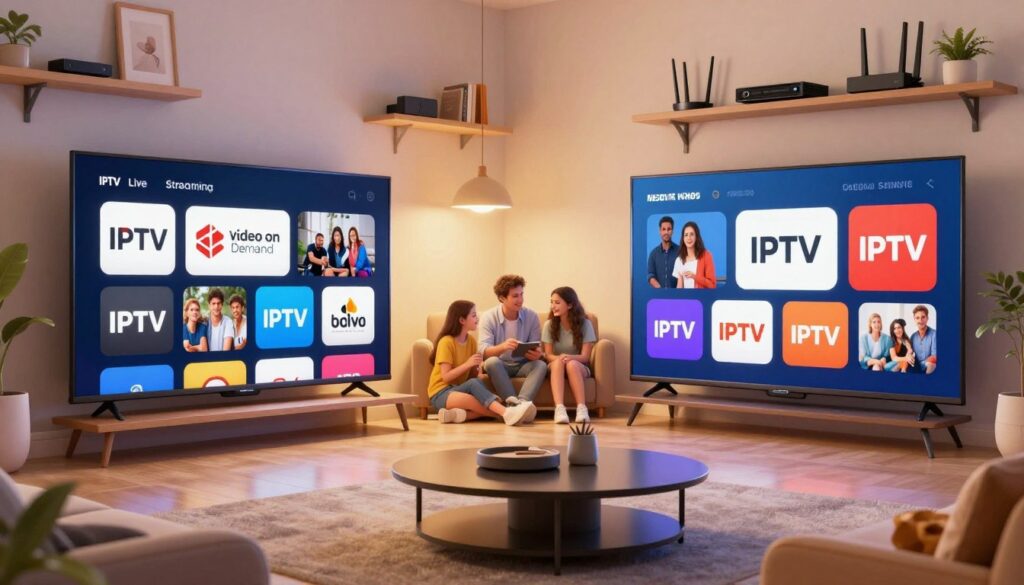
Modern TV has changed a lot, giving you many ways to watch your favourite shows. You can find iptv services for all budgets and tastes. Knowing about these options helps you choose the best for your home.
Subscription-Based Services
Premium iptv subscriptions offer a top-notch viewing experience. They cost money each month or year. You get lots of channels and special shows. The big plus is they work well because they spend a lot on servers.
Free IPTV Options
For those on a tight budget, there are free iptv options. These services make money from ads. They might not have as many channels, but they’re great for beginners.
Live and On-Demand Content
Today’s TV is all about choice. You can watch live or on-demand. On-demand lets you watch when you want. You can also pause or rewind live shows.
| Service Type | Primary Benefit | Cost Structure |
|---|---|---|
| Subscription-Based | High reliability and premium content | Monthly or annual fees |
| Free Ad-Supported | No upfront cost | Supported by advertisements |
| On-Demand (VOD) | Total viewing flexibility | Pay-per-view or subscription |
Looking at these iptv services helps you find what fits your life. Whether you like iptv subscriptions or free iptv options, there’s something for everyone.
Equipment Needed for IPTV
Setting up a good home entertainment system starts with the right iptv setup gear. It’s easy to do, but the right parts make watching shows better.
You don’t need lots of stuff to start. But, good quality gear helps avoid problems later.
Essential Devices
The core of your system is a set-top box or streaming device. It connects your internet to your TV.
A strong router is also key. It keeps your network running smoothly. This is important for clear streaming.
Internet Connection Requirements
A fast internet connection is crucial for iptv setup. Slow speeds can cause buffering and poor picture quality.
“Technology is best when it brings people together and provides seamless access to the content they love.”
For HD, you need at least 25 Mbps. For 4K, aim for 50 Mbps or more. This ensures a buffer-free experience.
Use an Ethernet cable to connect your device to the router. This is more reliable than Wi-Fi.
Recommended Set-Top Boxes
Picking the right hardware makes your iptv setup better. Many devices are fast, easy to use, and work well with apps.
- Nvidia Shield TV: It has a strong processor and great upscaling.
- Amazon Fire TV Stick 4K: It’s small and cheap, but works well with apps.
- Formuler Z Series: It’s known for its IPTV-focused software.
Choose a device that supports your favorite apps. Regular updates keep your system safe and working well.
Popular IPTV Providers in the UK
Choosing the right IPTV service in the UK is important. The global market is growing fast, reaching £90 billion by 2026. It’s key to pick wisely to get good value for your money.
Overview of Leading Providers
In the UK, big names like Sky, Virgin Media, and EE TV lead. They mix old TV with new streaming tech. They offer iptv packages for all kinds of homes.
These services mix live TV with on-demand shows well. You can get fast internet too for a smooth watch. Check if they work in your area before signing up.
Comparing Features and Pricing
Look at what each plan offers. Some focus on sports, others on movies or international shows. Here’s a table showing what’s different in the UK.
| Provider | Primary Focus | Contract Type | Estimated Monthly Cost |
|---|---|---|---|
| Sky Stream | Entertainment & Movies | Flexible/18 Months | £20 – £40 |
| Virgin Media | Broadband & TV Bundles | 18 Months | £30 – £60 |
| EE TV | Sports & Flexible Apps | Flexible | £15 – £35 |
Customer Reviews and Feedback
Always read what others say before choosing. Real feedback can tell you about connection quality and ease of use. Forums are full of helpful tips.
Look for positive reviews on customer support and setup. Good tech help can save you trouble. Research well to pick a trusted iptv provider.
How to Set Up IPTV
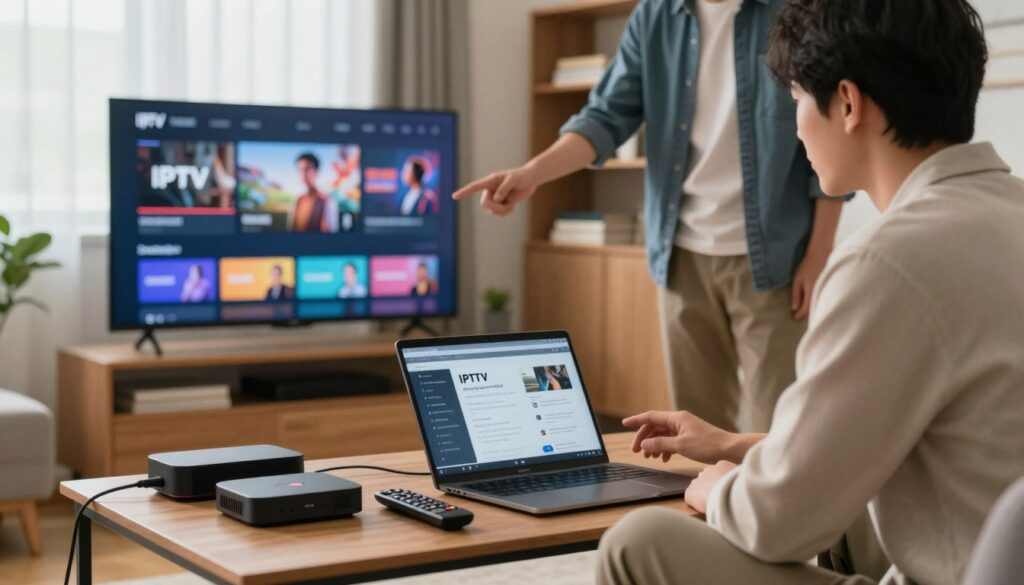
Getting how to get IPTV on your devices is simple. Just follow a few steps and your TV will become a global entertainment hub.
Step-by-Step Installation Guide
First, pick a good app that fits your device. Most smart TVs, tablets, and sticks have app stores. You can find reliable players there.
After installing, open the app and find the settings. Here, you link your service provider. Make sure your internet is stable to avoid sync issues.
Configuring Your IPTV Device
Configuring your device means using M3U playlists. Your provider will give you a URL or a file with your channels.
Go to “Add Playlist” or “Remote Playlist” in your app. Enter the URL carefully and save. Your channels will load, and you can start exploring.
Common Troubleshooting Tips
Even with a great iptv setup, you might face small problems. Most are about network speed or outdated playlists.
If you see buffering or poor quality, restart your router or check your speed. Also, keep your app updated for better performance.
| Issue | Potential Cause | Recommended Fix |
|---|---|---|
| Buffering | Slow Internet | Check Wi-Fi signal |
| No Channels | Invalid URL | Re-enter playlist link |
| App Crashing | Outdated Software | Update the application |
| Poor Quality | Server Congestion | Switch to a different stream |
Legal Considerations for IPTV
Exploring modern streaming options means keeping your safety and legal status in mind. The ease of digital TV is clear, but make sure your iptv services follow the law.
Understanding Licensing Issues
Real providers get the rights to show programmes legally. They make sure creators get paid for their work.
If a service doesn’t have these rights, it’s breaking the law. Always check if your provider is allowed to show the channels you like.
The Importance of Legal Services
Choosing iptv services that are legal gives you peace of mind. Legal platforms have better security, so you get a stable connection and fewer breaks.
They also have good customer support and keep their software up to date. By picking legal services, you help keep the entertainment world going strong.
Consequences of Using Unlicensed IPTV
Unauthorised platforms can steal your data and spread malware. They don’t protect your personal info or payment details well.
Also, you could face legal trouble for watching copyrighted stuff without permission. It’s not worth it when safe, legal options are out there.
| Feature | Licensed IPTV | Unlicensed IPTV |
|---|---|---|
| Content Rights | Fully Negotiated | None |
| Data Security | High Protection | High Risk |
| Service Stability | Reliable | Unpredictable |
| Customer Support | Available | Non-existent |
How to Get IPTV on Your Devices
You might be wondering how to get IPTV on your devices. IPTV is very flexible. It lets you watch your favourite shows on almost any screen.
Whether you’re at home or on the move, there are many ways to watch your shows. Knowing the iptv options helps you pick the best one for you.
Smart TVs and IPTV Apps
Most smart TVs have app stores. You can easily find and download IPTV players. Just go to the store, search, and download.
After installing, enter your service details to start streaming. This is great for a seamless, high-definition experience without extra clutter.
Mobile Devices and IPTV Options
Watching on your phone or tablet is a good idea. Download apps from the Apple App Store or Google Play Store. This lets you watch anywhere with internet.
Mobile iptv options are easy to use on touchscreens. They’re perfect for catching up on live matches or shows.
Using a Streaming Device
For better performance, use a streaming device. Devices like Amazon Fire Sticks, Roku, or Android TV boxes plug into your HDMI port.
These devices offer a faster, more responsive interface. They’re great for the best IPTV experience and stability.
| Device Type | Portability | Ease of Setup | Performance |
|---|---|---|---|
| Smart TV | Low | High | Moderate |
| Smartphone/Tablet | High | High | Moderate |
| Streaming Box | Low | Moderate | High |
Navigating IPTV Interfaces
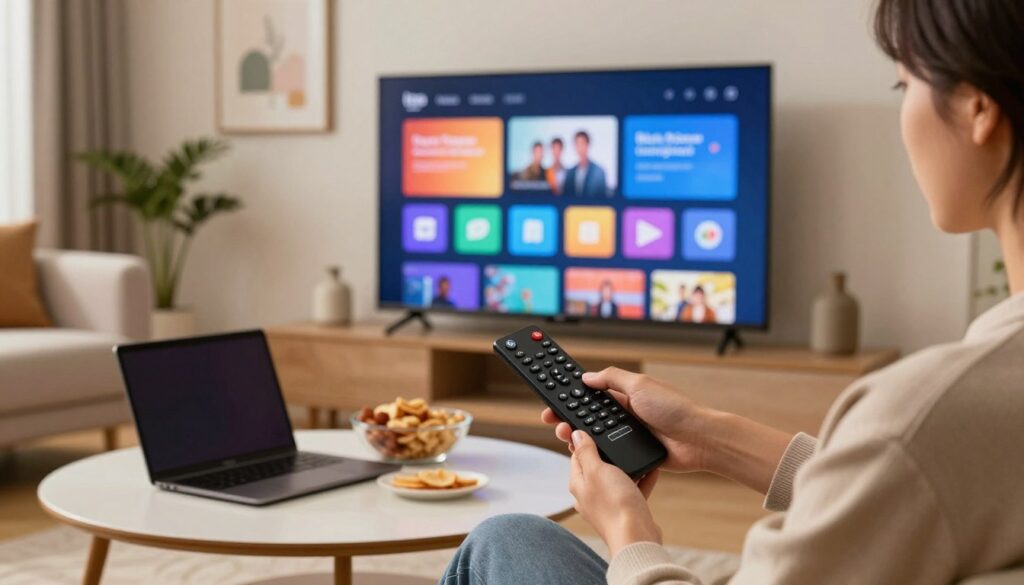
Mastering your IPTV dashboard can change your digital entertainment. At first, the vast amount of content might seem too much. But, most modern platforms are easy to use.
Once you get the hang of it, finding your favourite shows will be easy. This makes your viewing experience better.
Understanding the User Interface
The main dashboard is your central hub. You’ll see categories like Live TV, Movies, and Series. Consistency is key, so get to know the menu icons.
These icons stay the same, no matter what you’re watching. This makes navigating easier.
If you use a remote, the directional buttons are key. Press ‘Home’ or ‘Menu’ to go back to the main screen. Learning these simple shortcuts saves time and reduces frustration.
Customising Your Viewing Experience
IPTV lets you personalise your service. You can make a ‘Favourites’ list by clicking the star or heart icon. This organisational feature makes finding your favourite channels easy.
Many platforms also let you create custom watchlists. Add films or series to your list for a personalised library. Curating these lists improves your satisfaction with the service.
Features to Explore
There are advanced tools to enhance your experience. The Electronic Program Guide (EPG) is very useful. It shows what’s on all channels, helping you plan your viewing.
Explore the settings menu to adjust your preferences. You can change the interface language, adjust subtitles, or enable parental controls. Exploring these hidden gems maximises your subscription’s value.
Safety and Security with IPTV
When you explore streaming, keeping your data safe is key. Many iptv providers offer great shows, but watch how they handle your info. Stay safe by keeping your viewing private and devices secure.
Protecting Your Data
Streaming tech uses strong security to keep you safe. Digital Rights Management (DRM) stops hackers with strong encryption. This keeps your personal info and viewing history safe.
Make sure your service uses secure data transmission. Good iptv providers put your safety first with top security. Checking this can really help your digital safety.
Avoiding Malicious IPTV Services
Not all online services are safe. Some might try to harm your devices or steal your data. Always choose trusted sources to stay safe.
If a service seems too good, it might be a scam. Look for clear info, good terms, and positive feedback before joining. Keeping your devices safe is as important as finding great shows.
VPNs and Their Importance
A Virtual Private Network (VPN) is a must-have for viewers. It hides your IP address, keeping you anonymous. This stops others from tracking you while you stream with iptv providers.
Using a VPN is a smart move for privacy. It makes your internet traffic hard to intercept. Here’s a table showing how different security tools keep you safe:
| Security Feature | Primary Benefit | User Impact |
|---|---|---|
| Encryption (DRM) | Prevents Data Theft | High Protection |
| VPN Usage | Masks IP Address | Enhanced Privacy |
| Secure Payments | Protects Finances | Fraud Prevention |
| Official Apps | Reduces Malware Risk | Device Safety |
Future of IPTV Technology
Technology is changing how we watch TV. It’s moving from old ways to new, interactive ones. This change keeps your viewing habits central to the service.
Trends Shaping IPTV
The big change is to cloud-native IPTV architectures. This uses the cloud for unparalleled scalability and flexibility. It means faster updates and reliable service, even when lots of people are watching.
Artificial intelligence is also becoming key. It makes finding new shows easier by knowing what you like. This gives you a highly personalised experience that keeps you watching.
Predictions for the Industry
Soon, social media and live TV will work together more. You’ll be able to share your thoughts or vote in polls right on your screen. This social layer will become a must-have for viewers.
Also, service quality will get better with 5G and fibre-optic networks. You’ll see less delay in live sports and events. Reliability and speed will be key for providers in a competitive market.
IPTV and Its Role in Streaming
IPTV is now a key part of streaming, not just a service. It connects traditional TV with on-demand content. This gives you a comprehensive entertainment hub for all your needs.
As streaming platforms merge, IPTV will be the central hub for your subscriptions. You’ll manage your content in one place. This seamless integration is the future of home entertainment, giving you full control over your media.
Conclusion: Enjoying Your IPTV Experience
Switching to digital streaming changes how you watch your favourite shows. You now know how to use modern broadcasting easily.
Summarising Your Viewing Journey
You’ve learned about the tech and laws for a good viewing experience. Choosing good iptv subscriptions means you get quality content safely. This balance makes switching to internet TV easy.
Embracing New Entertainment Horizons
Streaming opens up new worlds of entertainment. You can make your interface show your favourite shows. This lets you watch global content you couldn’t before.
Taking the First Step
Start your better viewing journey by picking the right gear and service. Good iptv subscriptions are key for a great home cinema. Now, you’re ready to dive into digital entertainment and make your daily viewing better.